The best launch monitor is not automatically the most expensive model. It is the one that fits the golfer’s goals, room, budget and preferred software. Serious players may prioritize detailed club data and swing-analysis tools, while a family entertainment room may place more value on ease of use, a large hitting area and flexible game options.
Quick answer
Evaluate launch monitors by measurement accuracy, ball and club data, hitting-area size, mounting style, software compatibility, course library, portability, accessory support and total budget. For a dedicated indoor room, ceiling-mounted camera systems are often attractive because they stay out of the hitting area. Portable floor units may be better for golfers who also want data at the range.
Begin with the golfer’s goal
Ask what the system needs to accomplish:
- Improve ball striking and track progress over time.
- Support coaching or remote lesson review.
- Prepare for competition at specific courses.
- Accommodate left- and right-handed players.
- Participate in online simulator leagues.
- Entertain family and friends.
- Support movies, games or multisport experiences.
These priorities should be established before comparing brands. ForeFront Simulator Solutions uses this goal-first process across its custom simulator and home-entertainment projects.
Launch monitor comparison criteria
| Feature | Why it matters | Question to ask |
|---|---|---|
| Ball data | Measures launch conditions and resulting flight | Which ball metrics are measured directly? |
| Club data | Helps diagnose delivery and impact | Are club metrics included, optional or dependent on stickers? |
| Accuracy and consistency | Determines whether changes are meaningful | How does the unit perform indoors at the expected distances? |
| Hitting-area size | Affects comfort and left/right-handed use | How large is the valid hitting zone? |
| Mounting style | Changes portability and room layout | Is it ceiling-mounted, floor-based or movable? |
| Software ecosystem | Controls courses, practice modes and future flexibility | Is the system open to third-party software? |
| Course library | Matters for entertainment and preparation | Are desired courses available? |
| Accessories | Expands coaching and analysis | Does it integrate with cameras, pressure mats or AI tools? |
| Update history | Indicates ongoing manufacturer support | How often are software and firmware improved? |
| Budget | Balances capability with the complete room | What features matter enough to justify the cost? |
Ceiling-mounted versus portable floor units
Ceiling-mounted launch monitors
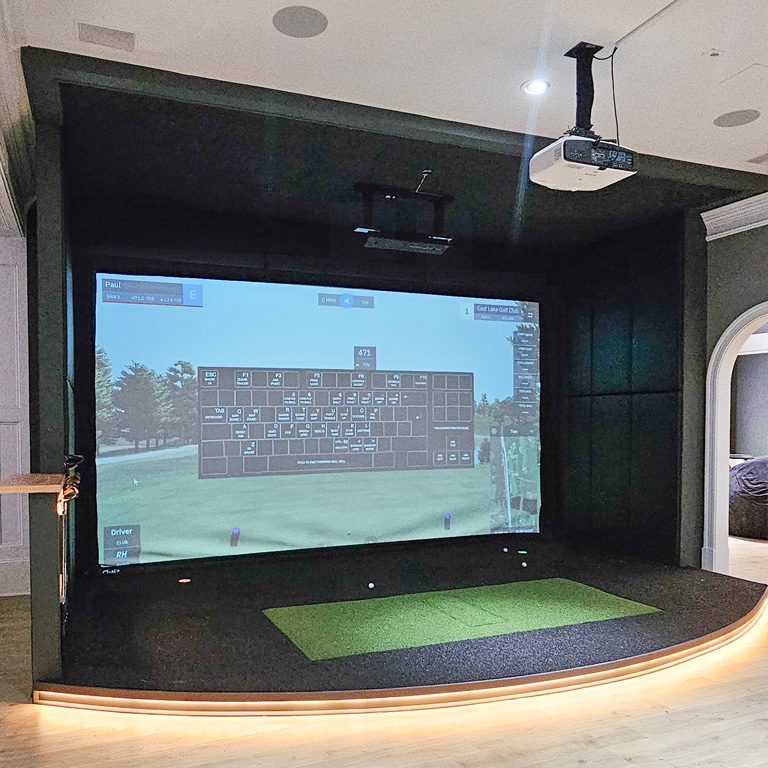
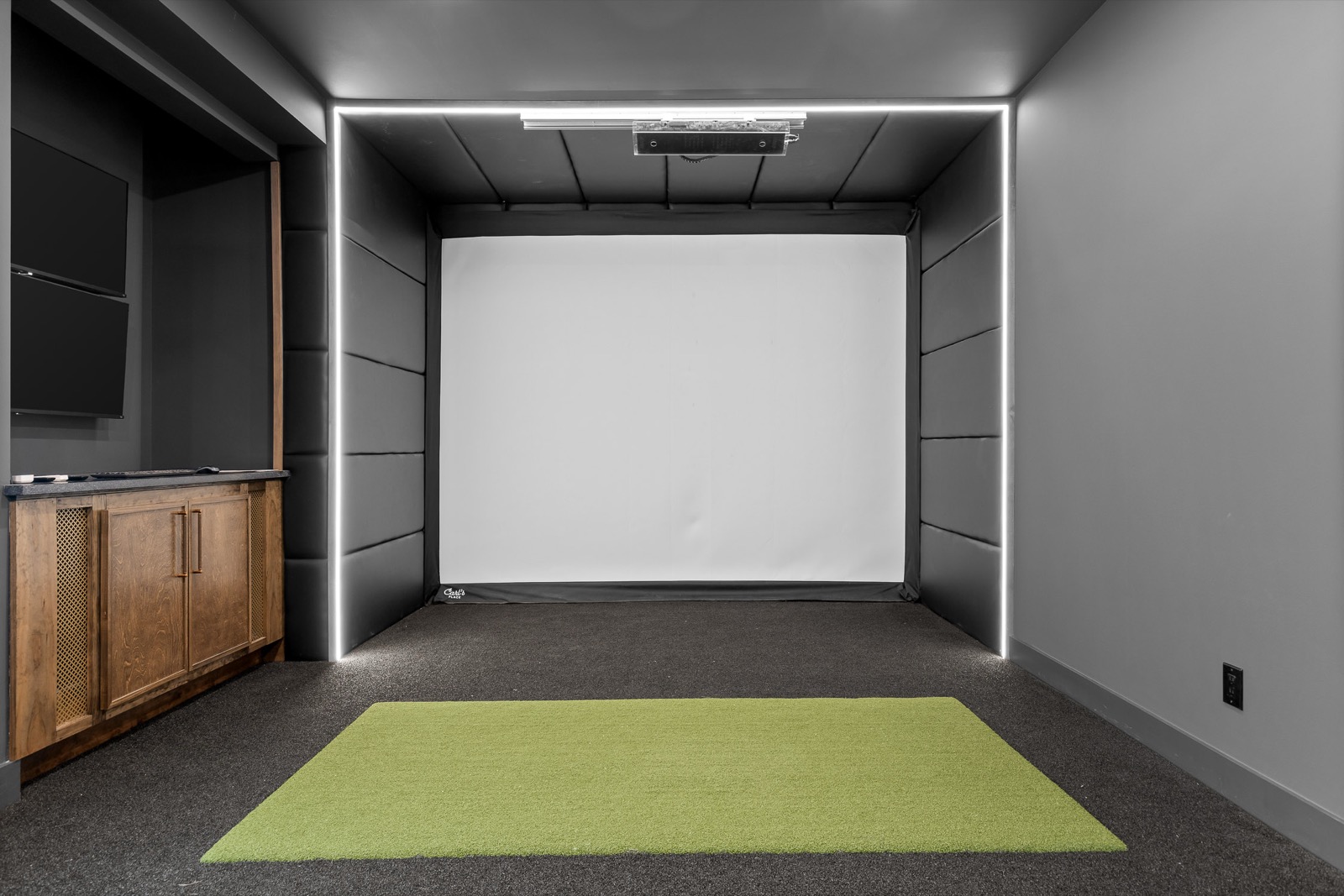
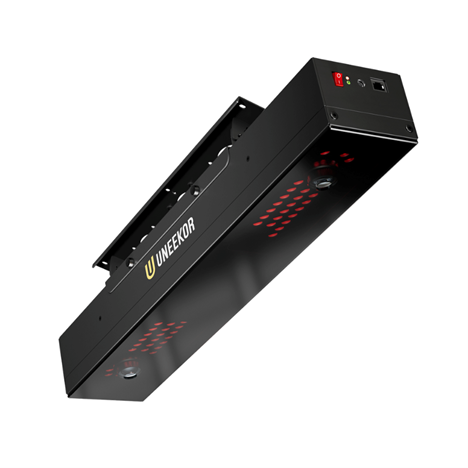
These are often preferred in dedicated indoor rooms because they remain out of the way and can create a clean, permanent setup. They also reduce the need to reposition hardware between shots.
The hitting-area size is critical. In a narrower room, a small detection zone can make it difficult for left- and right-handed golfers to use the same center position. A wider hitting area—or a properly designed slider—may solve that problem.
Portable floor launch monitors
Portable units can move between the simulator, driving range and golf course. That flexibility appeals to serious golfers who want to compare indoor practice with outdoor performance.
The tradeoff is that the unit occupies floor space and may need repositioning when players switch handedness.
Open versus closed software ecosystems
An open ecosystem gives the owner more options to try third-party simulator programs, training tools and community-developed courses. A closed ecosystem may offer a polished experience but limit future software choices.
Consider:
- Which simulator applications are supported today?
- Can the owner change software later?
- Are local or destination courses available?
- Does the platform support online leagues?
- Can shot history be exported for analysis?
- Are subscriptions required for core features?
Future flexibility is important because simulator software evolves faster than room construction. Conduit, accessible wiring and an open technology plan help the physical room outlast the first equipment package.
Swing cameras, pressure mats and coaching tools
For game improvement, the launch monitor is only one data source.
Swing cameras
Face-on and down-the-line cameras let golfers compare movement with measured ball and club data. Videos can also be shared with a coach.
Balance and pressure mats
Pressure systems show how weight moves throughout the swing. They have become more accessible and can be paired with camera views for a fuller training picture.
AI-assisted training
AI swing tools are improving and may provide automated movement analysis. Buyers should confirm compatibility with their preferred cameras, computer and simulator platform.
League webcams
Some online simulator leagues require video verification. Camera locations and network connections should be planned during construction rather than added as visible cables later.
Projector and image quality
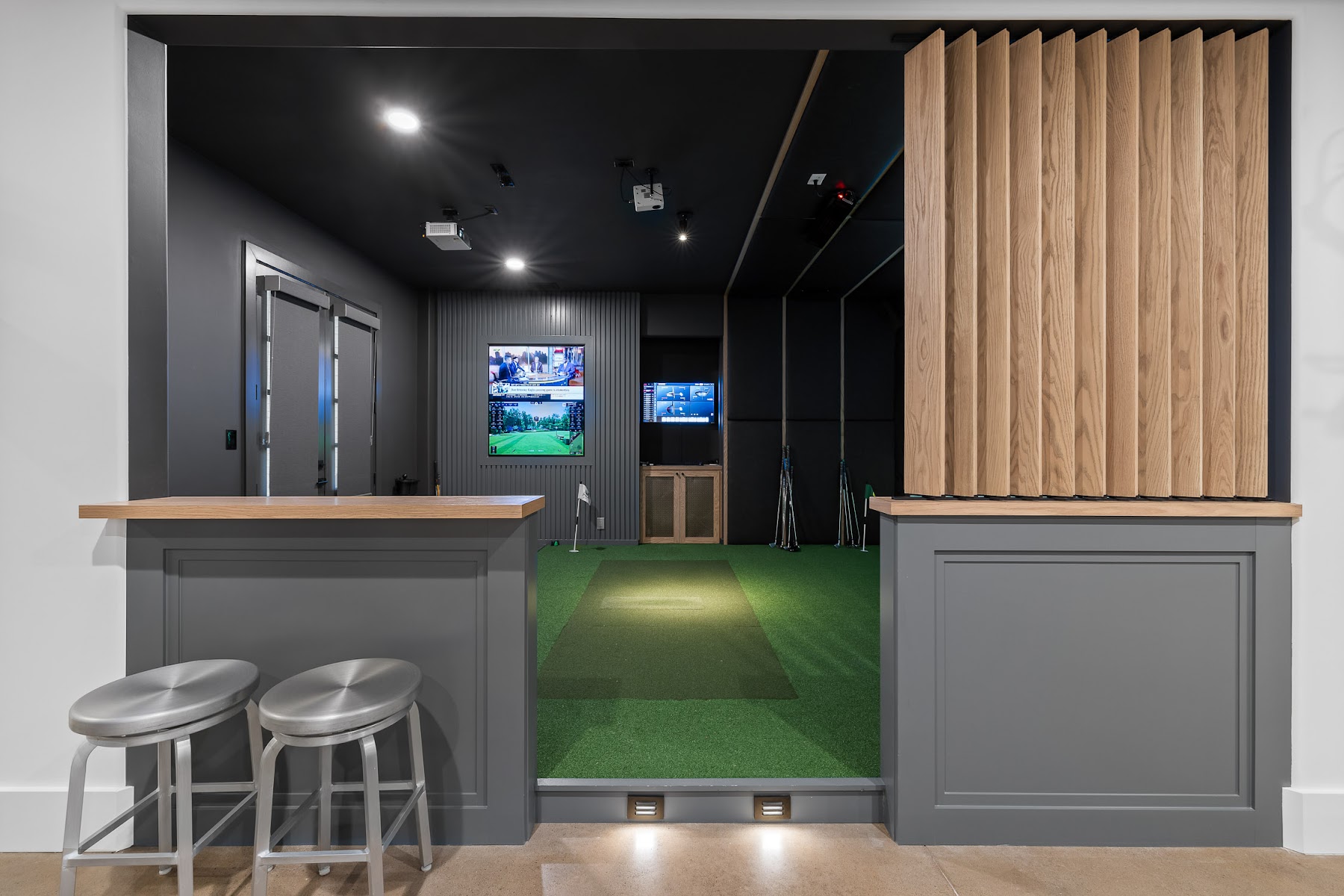
A premium room commonly uses a 4K short-throw projector designed for the simulator’s throw distance and image geometry. A 1080p projector may reduce cost, but resolution is only one variable.
Brightness matters when the room has ambient light. A projector with insufficient output can produce a washed-out image even if its resolution is high. Screen size, aspect ratio, throw distance and mounting location must be designed together.
The gaming computer
The computer is the operational center of the simulator. Its specifications should reflect:
- The selected simulator software.
- Desired resolution and frame rate.
- Number of displays.
- Camera and analysis tools.
- Potential VR, gaming or multisport use.
- Reasonable headroom for future software updates.
Buying the computer independently without coordinating the rest of the system can create compatibility or performance problems.
Multimedia and multisport options
A simulator room can also support:
- Streaming devices and television.
- Integrated speakers and movie playback.
- Console or PC gaming.
- Soccer, baseball or other multisport simulation.
- Disc-golf simulation.
- Specialized training systems.
These additions affect electrical load, inputs, audio design, lighting controls and user interface. Include them in the original scope whenever possible.
Technology-selection checklist
- Define training, entertainment and portability priorities.
- Identify required ball and club metrics.
- Confirm whether club stickers are needed.
- Measure the room and required hitting-area width.
- Decide whether equipment must travel outdoors.
- Compare supported software and course libraries.
- Check subscription and licensing requirements.
- Plan swing-camera and webcam locations.
- Match projector brightness and resolution to the room.
- Size the computer for all intended applications.
- Add conduit and accessible wiring for upgrades.
- Confirm training and software configuration are included in the proposal.
ForeFront’s article on professional installation versus DIY provides additional context on integrating these technology choices into a complete room.
Frequently asked questions
Is a ceiling-mounted launch monitor better?
It is often better for a permanent indoor room because it stays clear of the hitting area. A portable floor unit may be better when outdoor use is important.
Do serious golfers need club data?
Many do, because club delivery explains why the ball launches as it does. The necessary metrics depend on the player’s goals and coaching program.
Is 4K necessary for a golf simulator?
No, but it can significantly improve the visual experience in a high-end room. Brightness, screen dimensions and correct projector placement are equally important.
Should the launch monitor support third-party software?
That depends on the owner’s priorities. Third-party support can provide more courses, competition options and flexibility as software changes.
Next step
A technology consultation should connect equipment specifications to the actual room and golfer—not simply compare product sheets. Learn more about ForeFront Simulator Solutions or request a consultation.