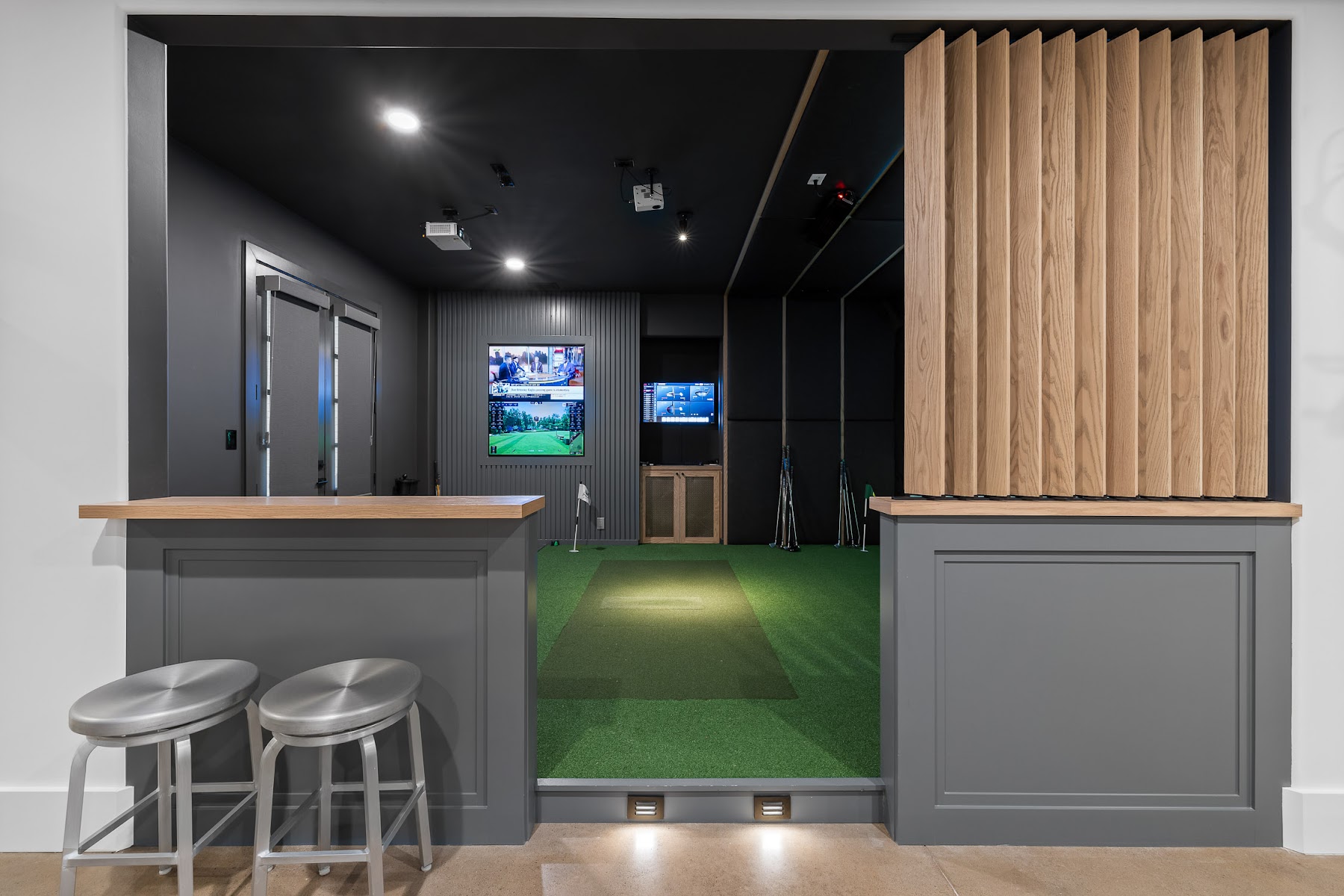
A portable golf simulator prioritizes flexibility. A fully built-in simulator prioritizes an intentional room, integrated technology, concealed infrastructure, safety, and a polished experience.
Neither approach is universally right. A golfer who wants data at the range and occasional indoor practice may prefer a portable launch monitor and net. A homeowner who wants a permanent entertainment space, realistic projection, custom finishes, and a system that is ready to play may prefer a professional design-build installation.
Quick comparison
| Option | Best for | Advantages | Tradeoffs |
|---|---|---|---|
| Portable launch monitor with net or display | Practice and flexibility | Lower complexity, movable, usable indoors or outdoors | Less immersive, equipment remains visible, more setup each session |
| Portable launch monitor in a built-in room | Golfers who want a polished room and range portability | Permanent room plus removable technology | Requires reconnecting and alignment; hitting area may be smaller |
| Floor-mounted fixed system | Dedicated room with specific player orientation | Strong performance and simpler ceiling requirements | May need repositioning for opposite-handed golfers |
| Ceiling-mounted system | Premium permanent installations | Clean appearance, larger hitting area, less equipment on floor | Not portable; ceiling structure and mounting height matter |
| Turnkey professional room | Home entertainment and frequent use | Coordinated design, hidden wiring, construction, calibration, support | Higher upfront investment |
| DIY room | Hands-on owners with time and technical skill | Full control and potential savings on labor | Research burden, compatibility risk, rework, warranty coordination |
Portable can describe two different things
The word “portable” may refer to the launch monitor or the entire setup.
A portable launch monitor has a battery and can travel to the driving range, another property, or an outdoor practice area. It can still be integrated into a professionally built simulator room. The owner disconnects the necessary cables, takes the device to the range, and returns it to the room later.
A fully portable simulator may be a net, mat, launch monitor, and tablet. That arrangement can deliver useful practice data without creating a permanent room. It is closer to a training station than an architectural feature.
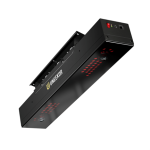
Ceiling-mounted launch monitors
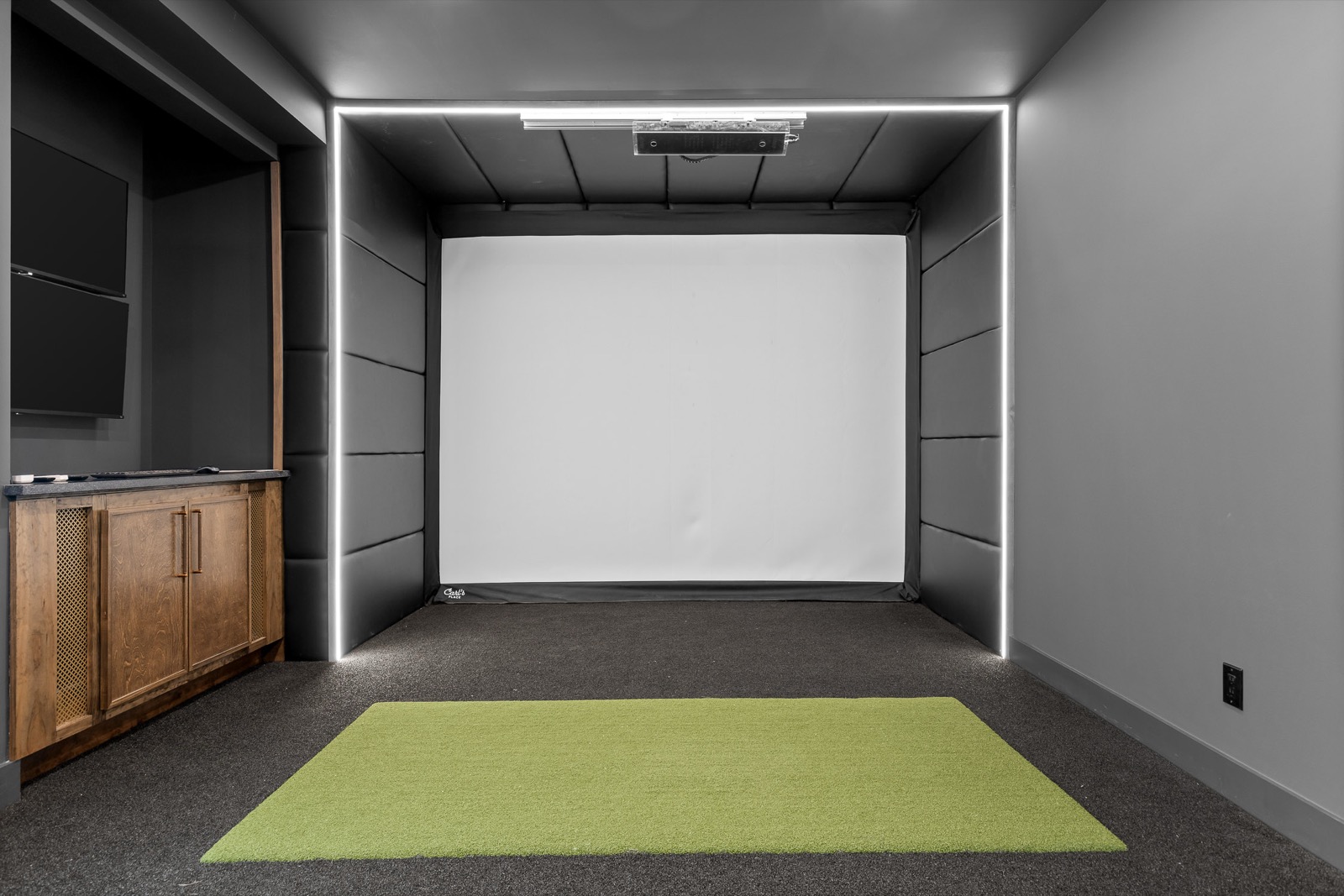
Ceiling-mounted systems provide a clean, professional appearance because the equipment stays above the hitting area. They often support a larger hitting zone and may make it easier for right- and left-handed players to use the same room without moving a device.
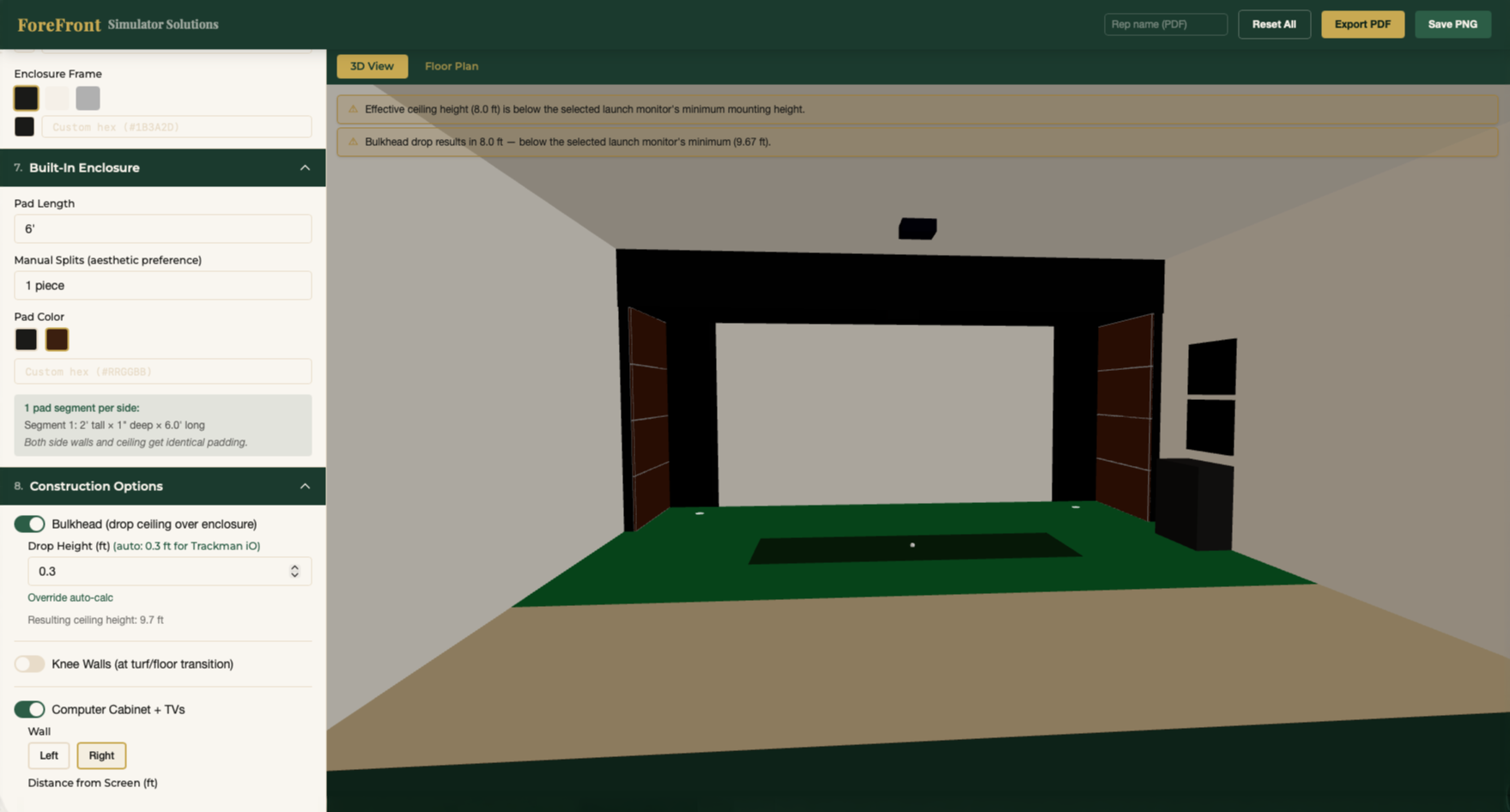
They are best suited to permanent installations. The ceiling height, mounting position, lighting, and hitting area must be planned carefully. Very tall ceilings may require a bulkhead or suspended structure to place the monitor within its supported operating range.
Floor-mounted launch monitors
Floor-mounted units sit beside the hitting area. Some are intended to remain in the room, while others include batteries and are easy to transport.
A floor unit can be a useful answer in narrower spaces. For opposite-handed golfers, the device may be moved from one side of the hitting area to the other. The tradeoff is that the equipment remains visible and must be positioned correctly each time it moves.
The launch monitor’s hitting-zone size also matters. A small room with an offset stance may require a more capable—and sometimes more expensive—unit to capture shots reliably.
The experience difference
A net, tablet, and portable monitor can provide accurate feedback and enjoyable practice. It does not need to imitate a luxury room to be worthwhile.
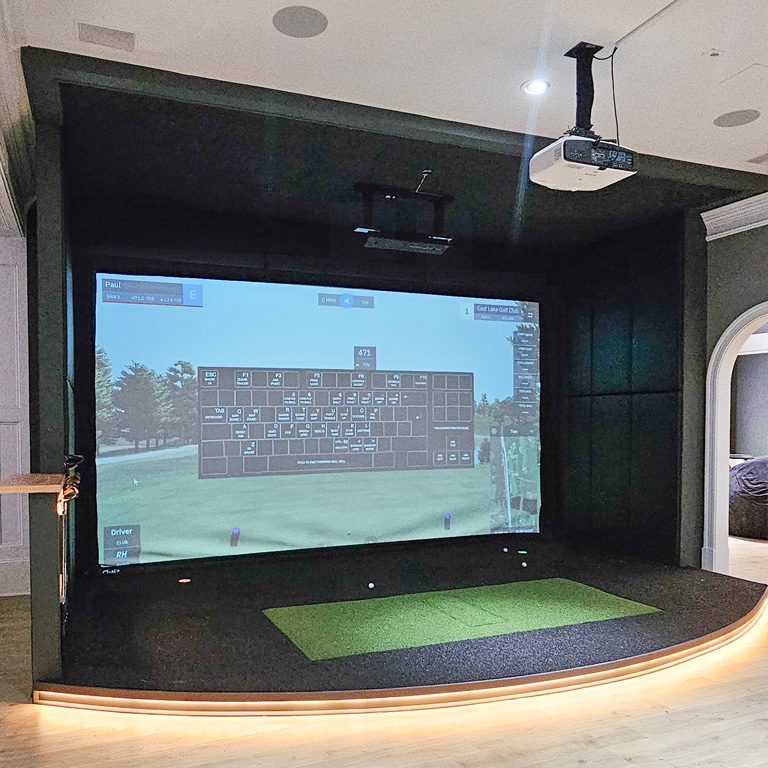
A built-in simulator serves a different goal. The screen, projector, turf, lighting, protection, displays, seating, and finishes become part of the home. Wires are concealed. Equipment positions are fixed and calibrated. The room can support social play, family entertainment, league nights, multisport activities, or serious training.
The right choice depends on what the homeowner wants to see and feel when entering the room—and what guests should experience when they use it.
When DIY makes sense
DIY can be a reasonable path when the owner:
- Enjoys research and hands-on work.
- Has construction, electrical, networking, and technology experience.
- Is comfortable troubleshooting compatibility issues.
- Accepts a simpler finish level or exposed infrastructure.
- Has enough time for experimentation and rework.
- Wants a basic practice setup rather than a turnkey room.
A DIY project still requires planning. The owner must coordinate screen dimensions, projector throw distance, launch-monitor requirements, computer performance, cabling, lighting, flooring, padding, ball rebound, and software.
When to involve a professional
Professional installation is especially valuable when:
- The simulator will be a permanent room.
- Construction or structural changes are required.
- The space has low ceilings, soffits, HVAC, pipes, or garage tracks.
- The homeowner wants premium finishes and concealed wiring.
- Multiple displays, cameras, automation, or multisport systems are involved.
- The room must support both right- and left-handed players.
- Acoustic control is important.
- The owner wants a fixed price and one responsible team.
- Time is more valuable than managing the project personally.
ForeFront’s installation process is designed for clients who want to move from an initial consultation to a system that is installed, configured, and ready to play.
Why buying the equipment yourself may not save money
Homeowners sometimes assume they can reduce the professional quote by purchasing the major components at retail and hiring an installer afterward. That approach can create several problems.
An established installer may buy significant equipment volume and receive pricing that is unavailable to an individual purchaser. More importantly, the professional loses control over compatibility, delivery timing, defective products, warranty claims, and substitutions.
If the owner purchases the wrong projector, an unsupported launch monitor, or a screen that does not match the room, correcting the decision can erase any expected savings. A defective owner-purchased component can also put the homeowner in the middle of the return and warranty process.
If the goal is a turnkey project, allowing the design-build firm to manage the complete system usually creates clearer responsibility.
Commonly underestimated DIY costs
DIY budgets often include the four or five most visible products but overlook the full room. Frequently missed costs include:
- Freight and sales tax.
- Screen mounting hardware and structural support.
- Electrical outlets and circuits.
- Low-voltage cables, extenders, and conduit.
- Drywall repair and painting.
- Turf adhesives, transitions, and a recessed hitting mat.
- Wall and ceiling protection.
- HVAC and insulation.
- Garage-door modifications.
- Acoustic treatment.
- Software licenses and subscriptions.
- Calibration and troubleshooting time.
- Replacement parts after an incompatible purchase.
The owner should also place a value on time. An unfamiliar project can take several times longer than the initial estimate, particularly when work must be redone.
Hidden construction costs
Even professional planning cannot reveal everything inside a closed wall. Once construction begins, crews may discover electrical wiring, plumbing, a drain stack, gas piping, HVAC, or structural elements that were not visible during the assessment.
A responsible proposal should identify known assumptions and explain how true unforeseen conditions will be handled. It should also distinguish those conditions from homeowner-requested additions, such as a new wood feature wall or bar added after work starts.
ForeFront describes its standard work as fixed-fee and fixed-price, with change orders reserved for genuine unknowns or owner-requested scope changes.
The cost of hiring the wrong installer
A low quote is expensive if the finished simulator is unsafe or unusable. ForeFront has encountered rooms where balls rebound toward the golfer, screens fail prematurely, projectors cast shadows, or components do not communicate correctly.
Repairing those problems can mean paying a second company to remove and rebuild completed work. That is one of the largest hidden risks in both DIY and inexperienced installation.
A capable installer should understand construction and technology together, employ or closely supervise trained crews, and take responsibility for the final operating system—not only deliver boxes.
Read ForeFront’s detailed comparison of custom golf simulator installation versus DIY for additional planning considerations.
Questions to ask before choosing a path
- Do I want a training setup or a finished entertainment room?
- Must the technology travel to the range?
- Will both right- and left-handed golfers use the system?
- Does the room need construction, electrical, HVAC, or acoustic work?
- Am I prepared to coordinate warranties and troubleshoot every component?
- How much time can I realistically devote to research and installation?
- Who is responsible if the system does not perform as expected?
- Does the proposal include configuration, calibration, training, and support?
Frequently asked questions
Can a portable launch monitor be used in a permanent simulator room?
Yes. Many portable floor-mounted devices can be integrated into a built-in room and removed for range use. The room still needs correct alignment, wiring, screen, projector, and safety planning.
Is a ceiling-mounted launch monitor better?
It may provide a cleaner appearance, larger hitting zone, and easier use for opposite-handed golfers. However, it is not portable and requires suitable ceiling structure and mounting geometry.
Is DIY always cheaper?
No. DIY may reduce professional labor, but retail equipment pricing, freight, tools, wiring, finish work, mistakes, and the owner’s time can narrow or eliminate the savings.
Should I buy equipment before calling an installer?
It is usually better to involve the installer first. Projector, screen, computer, launch monitor, hitting position, and room dimensions affect one another, and premature purchases can restrict the design.
What does turnkey installation mean?
A turnkey firm handles design, equipment procurement, construction, wiring, flooring, protection, installation, software setup, calibration, and client orientation so the homeowner can begin playing without managing separate trades.
Choose based on the outcome—not only the equipment
A portable system and a built-in simulator can both deliver accurate golf data. The deciding factor is the intended outcome.
If flexibility and practice are the priorities, portable may be ideal. If the goal is a permanent room that looks intentional, entertains guests, and works without repeated setup, professional installation offers a different level of value.
Visit ForeFront Simulator Solutions or request a consultation to compare the options for your room, budget, and playing goals.